www.mespune.org


B. Sc. Admissions 2026-27

Download Nowrosjee Wadia College Admission Brochure

INSTRUCTIONS:

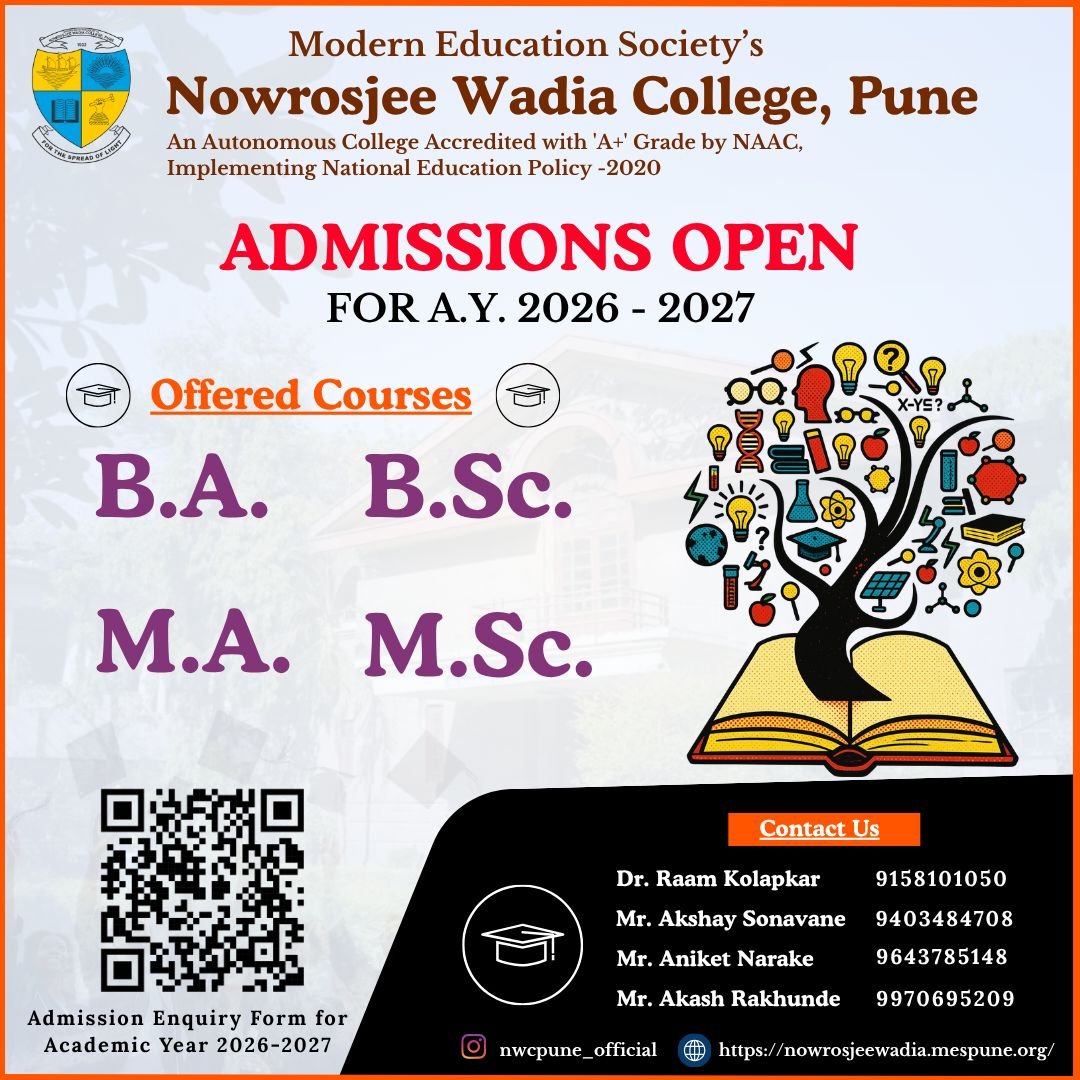
The Nowrosjee Wadia College has initiated the Admission Process for academic year 2026-27.
Note: This form is only for regular B.Sc. courses and not for B.Sc.(Biotechnology), B.Sc.(Computer Science), B.Sc. (Information Technology) and B.Sc.(Cyber Security and Digital Forensics)


Click Here to Apply for F.Y.B.Sc. Admissions 2026-2027
INSTRUCTIONS:

  1. Register & Verify Your Details
    › Full Name (as per school records)
    › Mobile Number — OTP & credentials will be sent via WHATSAPP/SMS
    › Click 'Send OTP to Mobile' — Enter the OTP received on WHATSAPP/SMS
    › Email Address — OTP will be sent to your email
    › Click 'Send OTP to Email' — Enter the OTP received in your inbox
    › Both OTPs must be verified to proceed
    › Year of Study Interested In Select from: 1st / 2nd / 3rd
    › Program Interested In — Select the course you are applying for.
  2. Log In with Your Temporary Credentials
    Once OTP verification is complete, your Temporary Login will be created automatically.
    › Your username & password will be sent via WHATSAPP/SMS and Email
    › Use these to log in to the AICAS portal (https://aicas.learnsquare.co/login)
    › This login is only for the application process
  3. Fill in Your Application Form
    After logging in, complete your application form. It has multiple sections: A. Personal Details
    › Full Name, Date of Birth, Gender, Nationality
    › Permanent & Correspondence Address
    › Parent / Guardian Name and Contact Number
    › Category (General / OBC / SC / ST / Other)
    B. Academic Details
    › Class 10 (SSC) — School, Board, Year, Marks / %
    › Class 12 (HSC) — School, Board, Year, Marks / % (if applicable)
    › Any other qualifying exam scores
    C. Document Upload
    › Upload required documents (Mark sheets, ID proof, Category certificate, Passport photo, etc.)
  4. Document Verification
    After the application submission, the college will prepare and publish the List based on your documents uploaded.
    › Document verification is done by the college admissions committee based on your uploaded documents.
    ⚡ Note: Ensure all documents uploaded are clear, valid, and match the details entered in your form.
  5. Receive Your Documents Verified Notification
    If your documents are verified, you will be notified immediately via:
    › 📧 Email — to your registered email address
    Log in to your AICAS dashboard to view your status anytime.
    ⚡ Note: Ensure your WHATSAPP/SMS and Email are active at all times during the admission period.
  6. Review Fee Structure & Pay
    Once documents are verified, the college will assign your Fee Structure. View it under 'Fee Details' in your dashboard.
    › Fees include: Tuition, Exam, Library, Lab, and other applicable fee
    › Pay online via Net Banking, Debit/Credit Card, or UPI (GPay, PhonePe, Paytm)
    › Download your Payment Receipt immediately after payment.
  7. Admission Confirmed!
    Once payment is verified, your admission is officially confirmed. You will receive:
    › Admission Confirmation Letter via Email & WHATSAPP/SMS
    › Official Student Login Credentials for the student portal
  8. Submit the Admission Form to the college office along with your documents.
  • F.Y.B.Sc.(Regular) Admission 2026-27 Notice dated 05-05-2026 NEW
    Click Here To View
  • First Year Admission Guide Document NEW
    Click Here To View